How to make a studio product poster
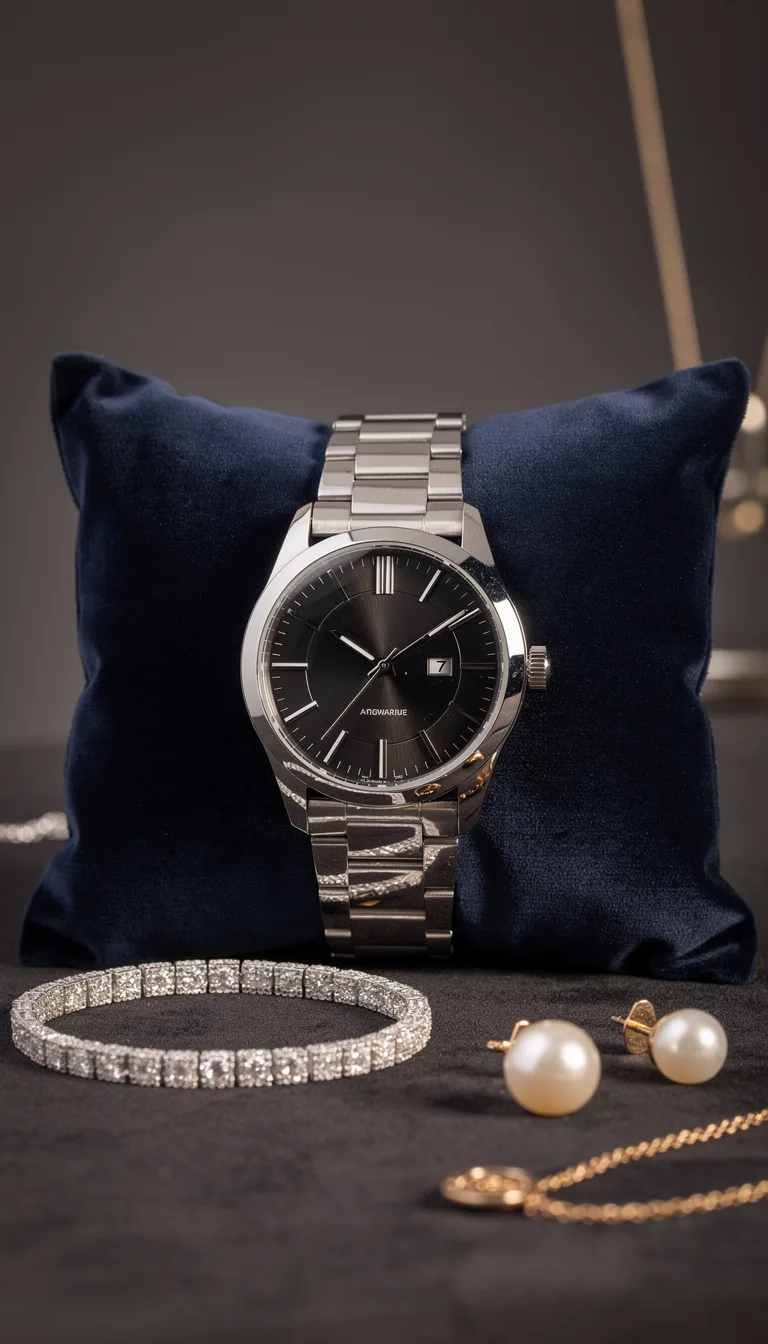
A product ad poster usually needs a product shoot and a designer — that’s slow and expensive. AI makes a studio poster from a regular product photo in a minute.
Here’s how to get a ready ad creative.
Step-by-step
- 1
Upload the product photo
A clear product shot works. On a neutral background the AI cuts out the object and places it into the scene more cleanly.
- 2
Choose a poster style
In the poster category, pick the mood: minimal, premium, seasonal, bold-ad. Each style sets the background, light, and composition.
- 3
Generate the poster
The AI places your product into a studio scene with professional light and background.
- 4
Download in high resolution
The finished poster exports in high quality — for social, marketplaces, ads, and print.
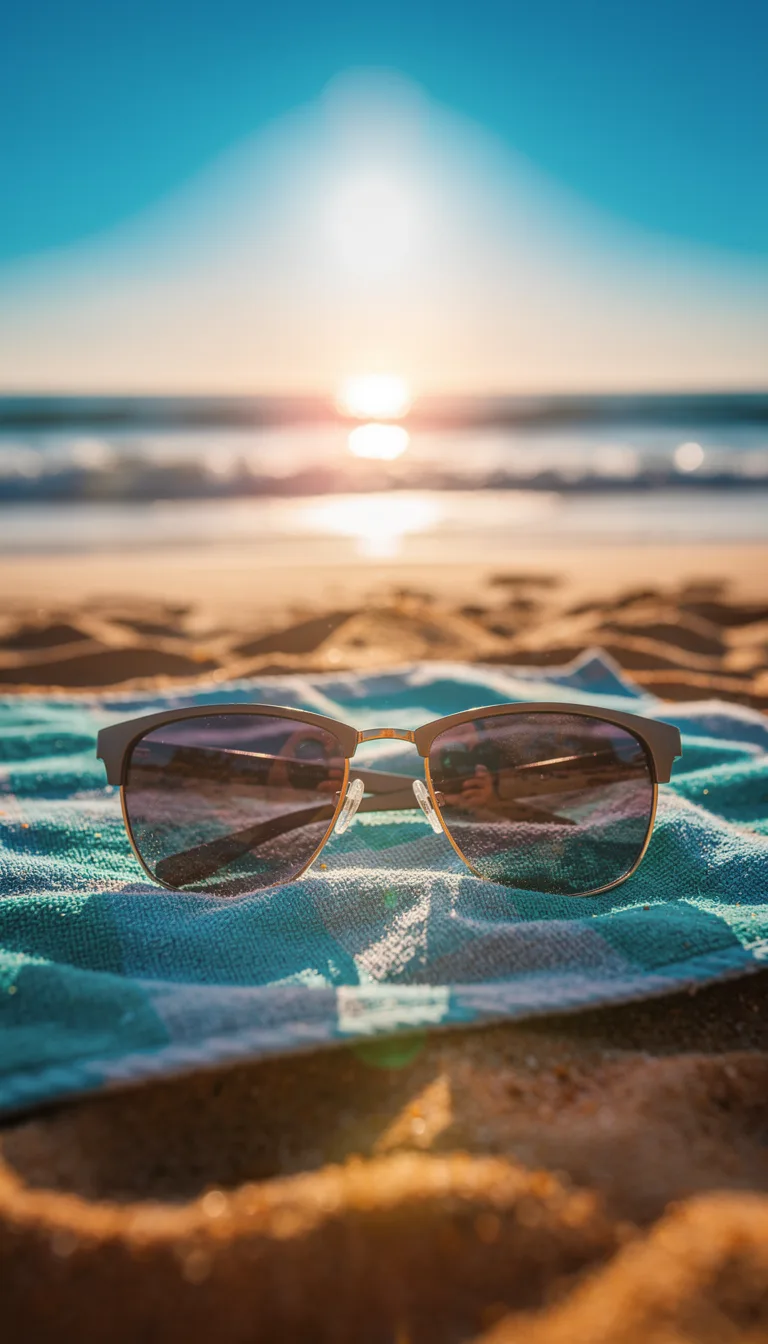
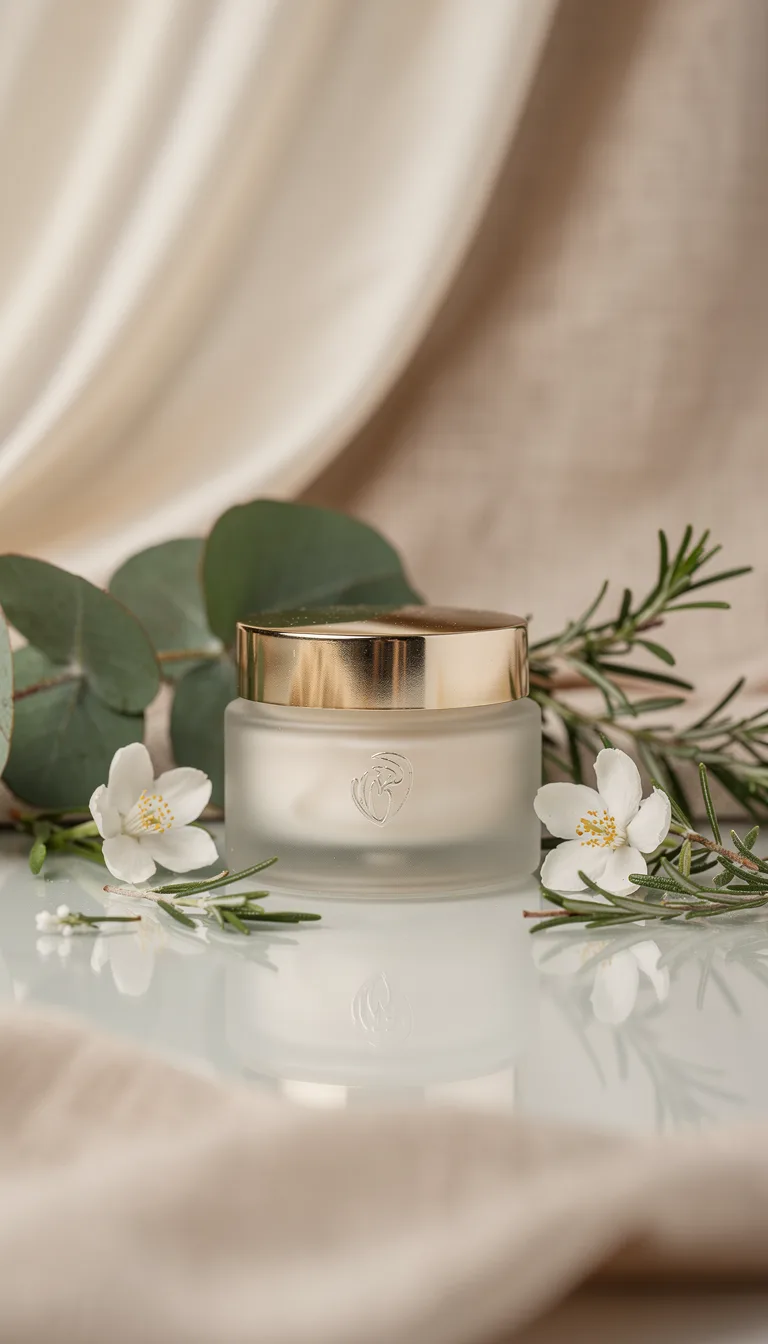
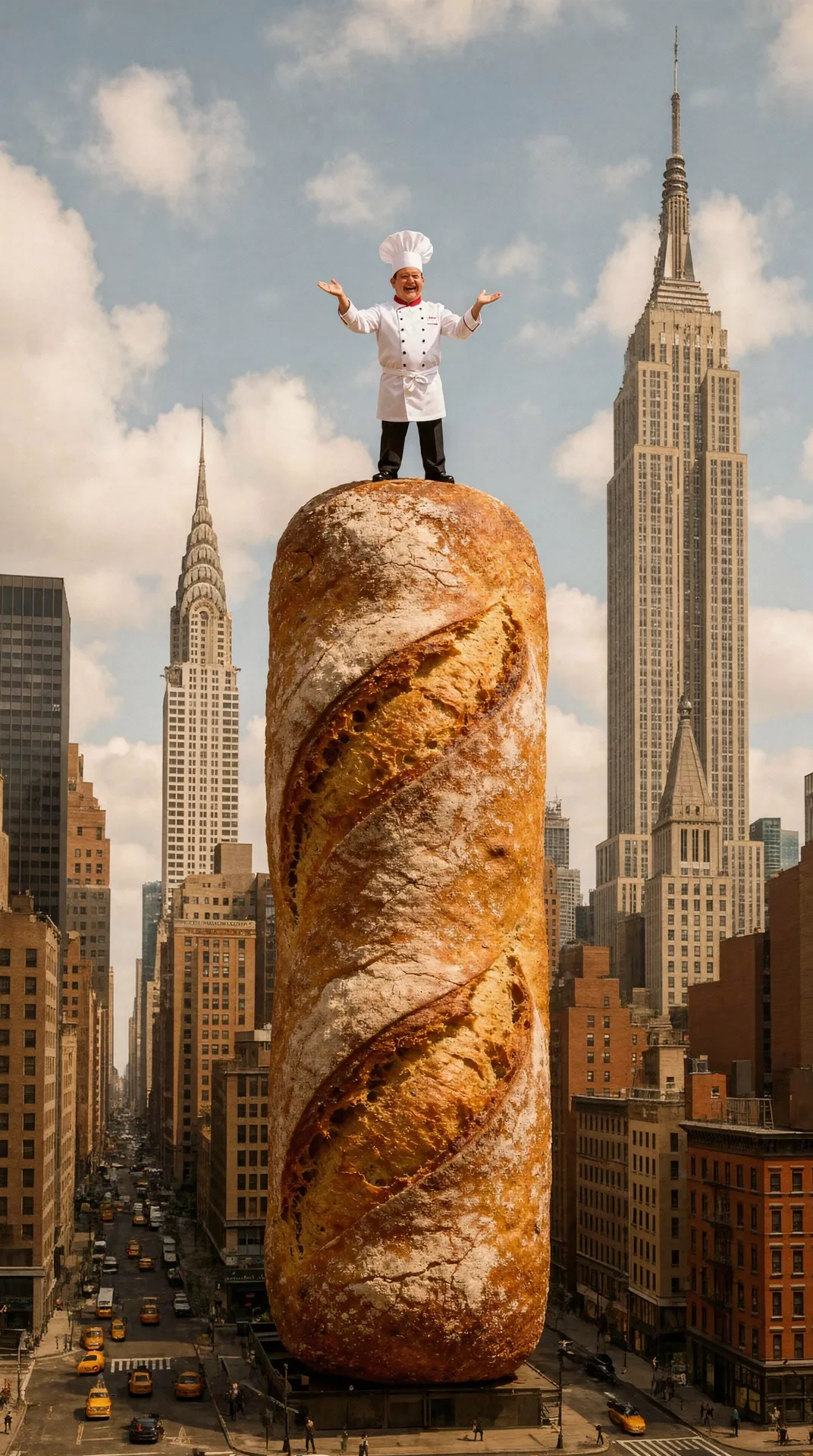
What you can create
Tips
- Shoot the product on a clean, plain background.
- Try several styles per placement (stories / marketplace / print).
- Use the maximum resolution for print.
FAQ
Do I need a designer?
No, the poster is built by the AI — all you need is a product photo.
Can I use my own product?
Yes, upload a photo of your product — the poster is built around it.
Is it good for marketplaces?
Yes, the finished poster fits product cards, social media, and ads.