How to make a trendy photo collage
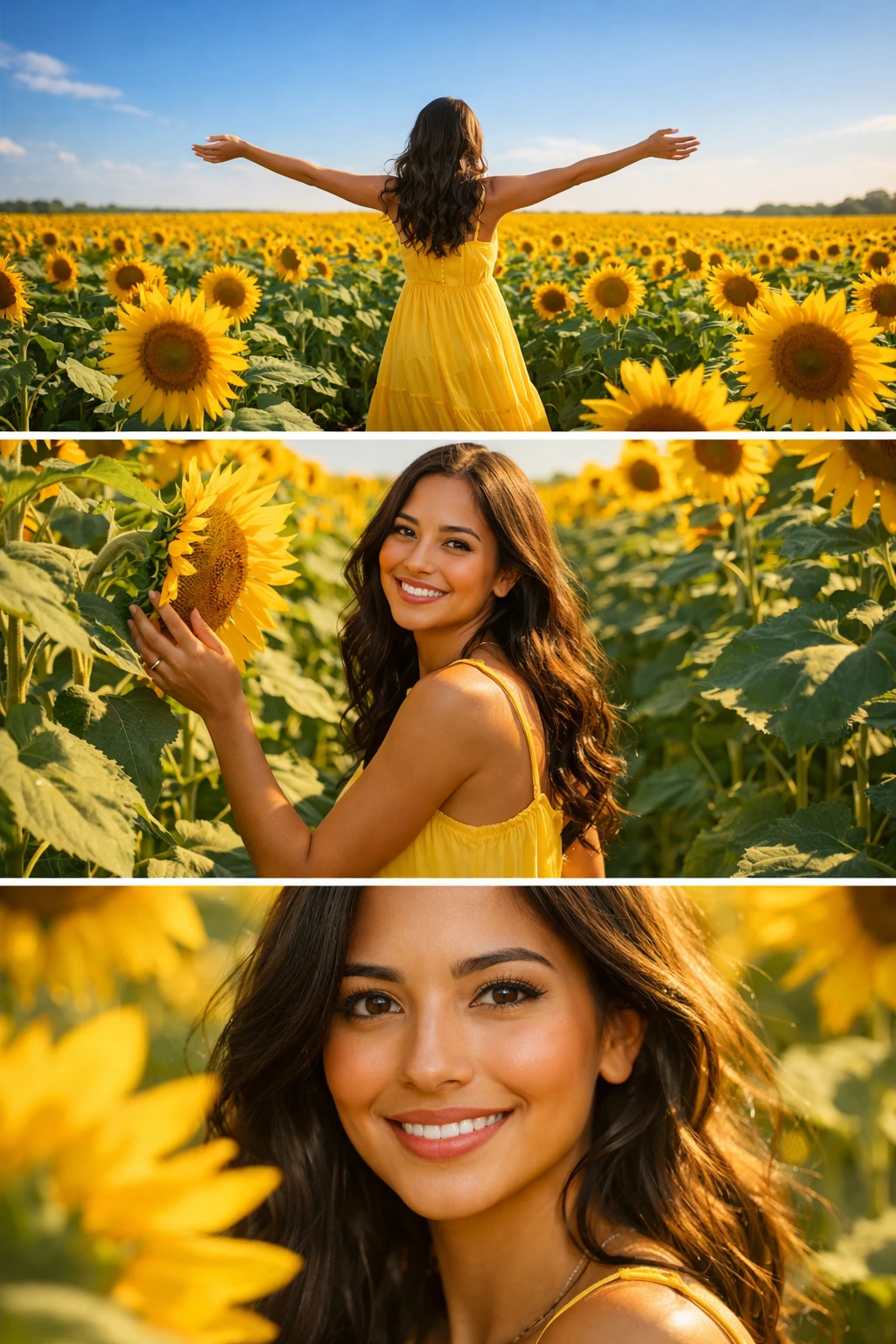
A nice collage for stories or your profile takes a while to build by hand: pick shots, background, captions, and assemble it in an editor. AI makes a stylish collage from your photo automatically.
Here’s how to get a ready collage in a minute.
Step-by-step
- 1
Upload a photo
One clear photo is enough. A shot with a well-visible face works best.
- 2
Choose a collage template
In the collage category, pick a theme and layout — seasonal, trendy, themed. Each template sets the composition, background, and style.
- 3
Generate the collage
The AI builds a multi-frame collage keeping your look and matching a single style.
- 4
Download and post
The finished collage exports in high resolution — ready for stories, posts, and avatars.
What you can create
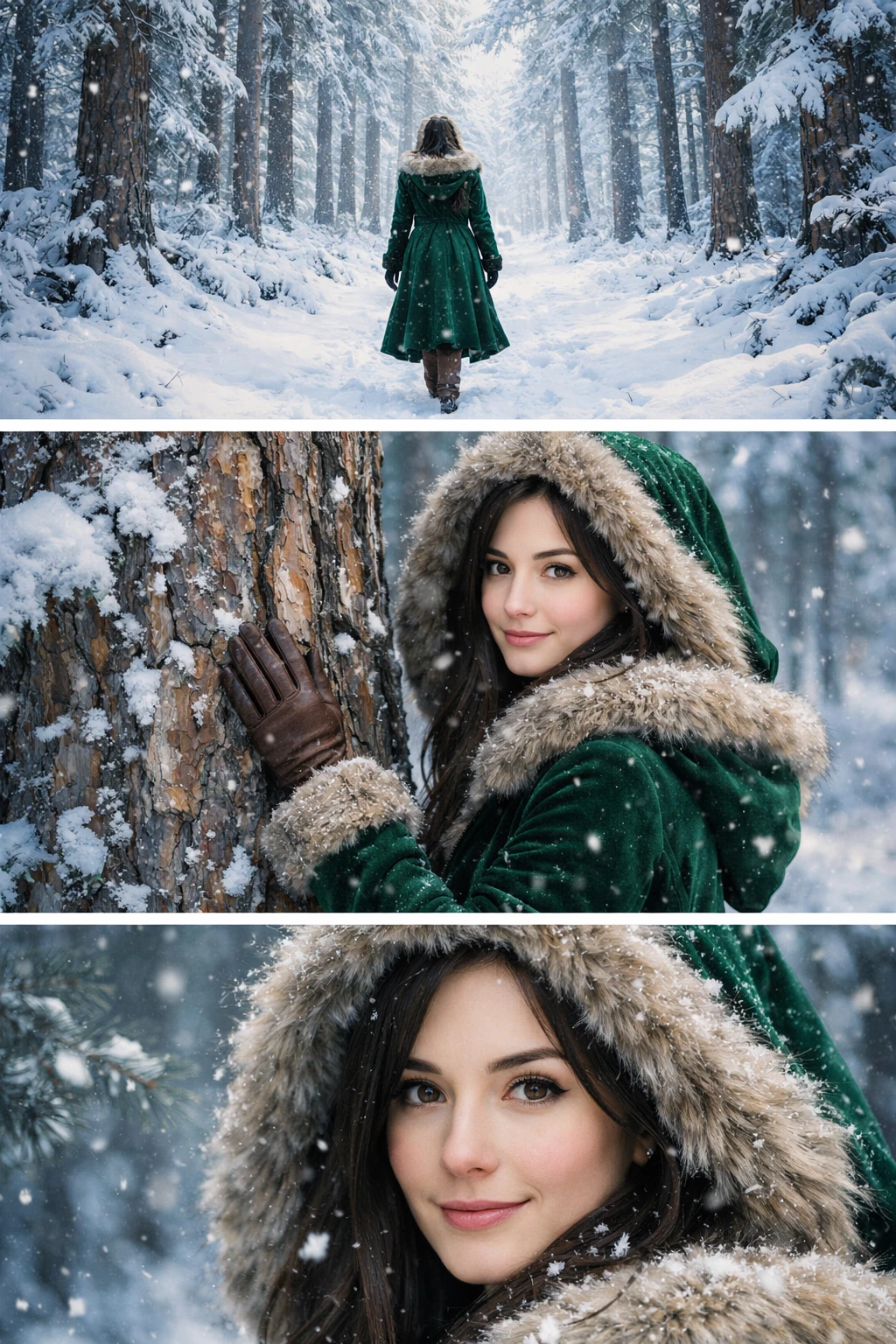
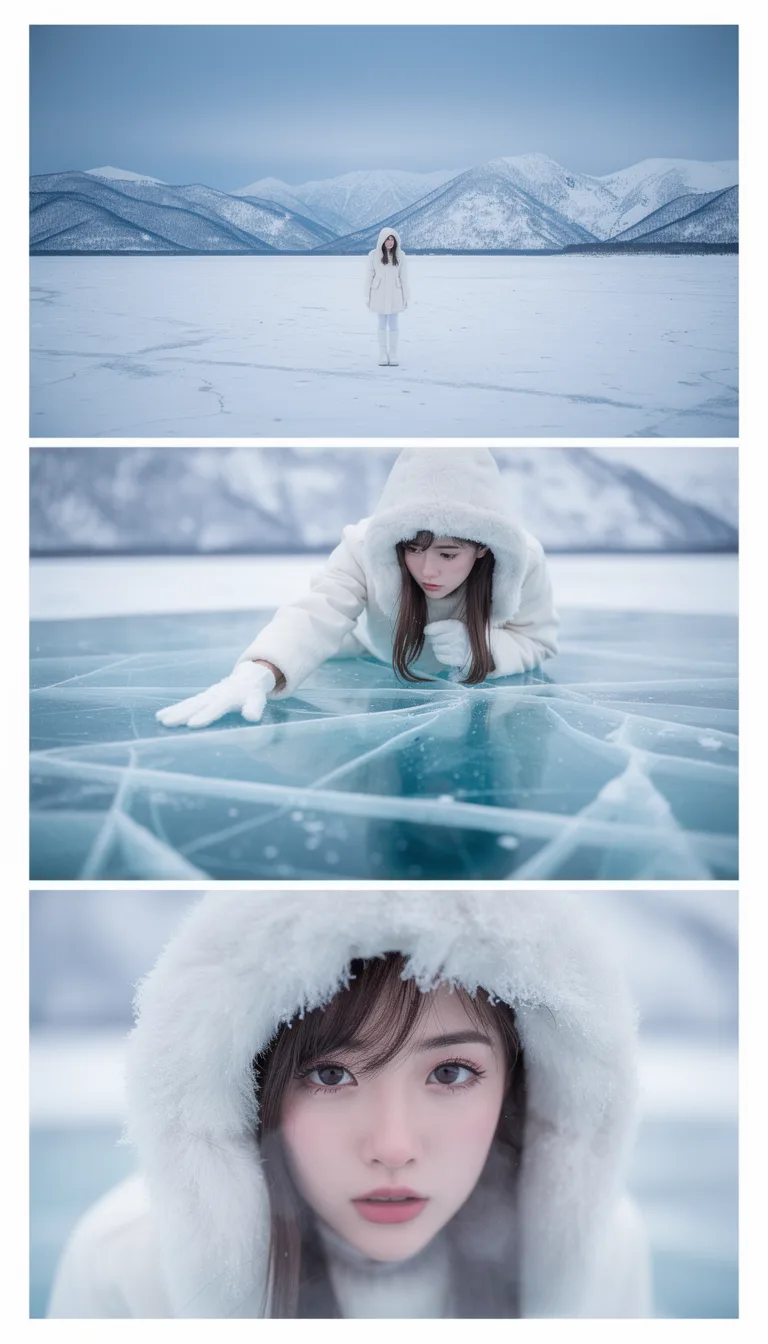
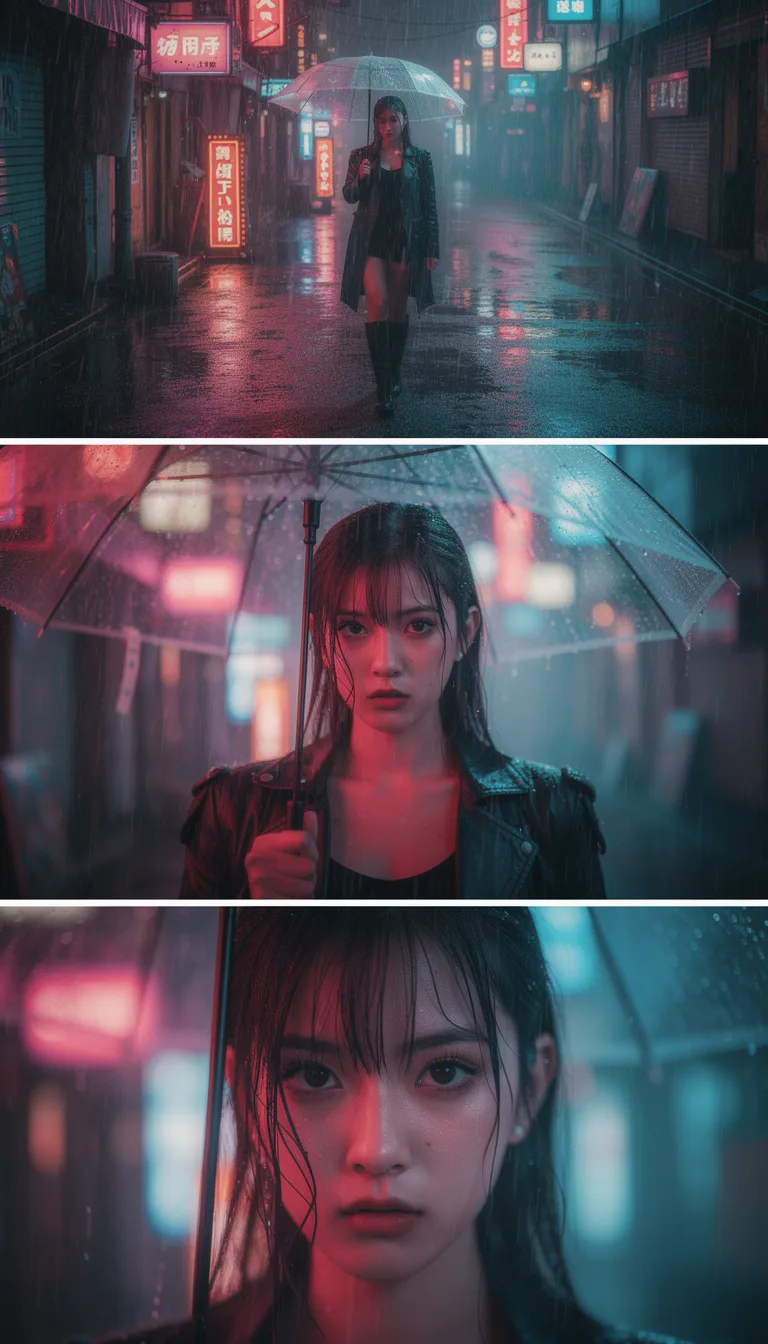
Tips
- Use a clear photo in even light.
- Try different themes — one shot gives different moods.
- Vertical templates are handier for stories.
FAQ
How many photos do I need?
One is enough — the AI generates the other frames and the style.
Will my face be kept?
Yes, the AI keeps your look across all frames of the collage.
What format is the collage?
High resolution, including vertical — for stories and posts.